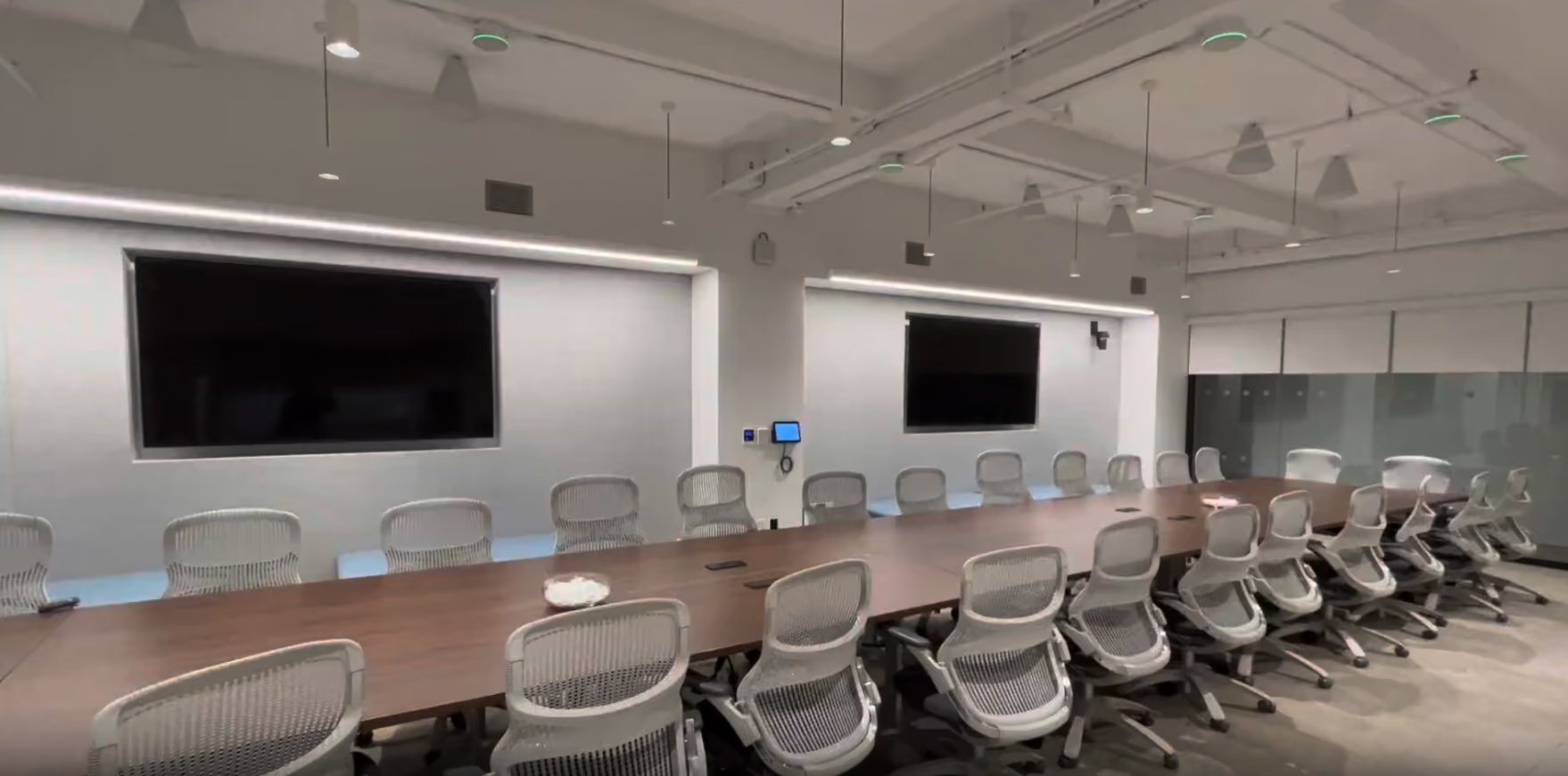
We’ll handle the AV.
You run the meeting.
Conference Rooms we've designed.
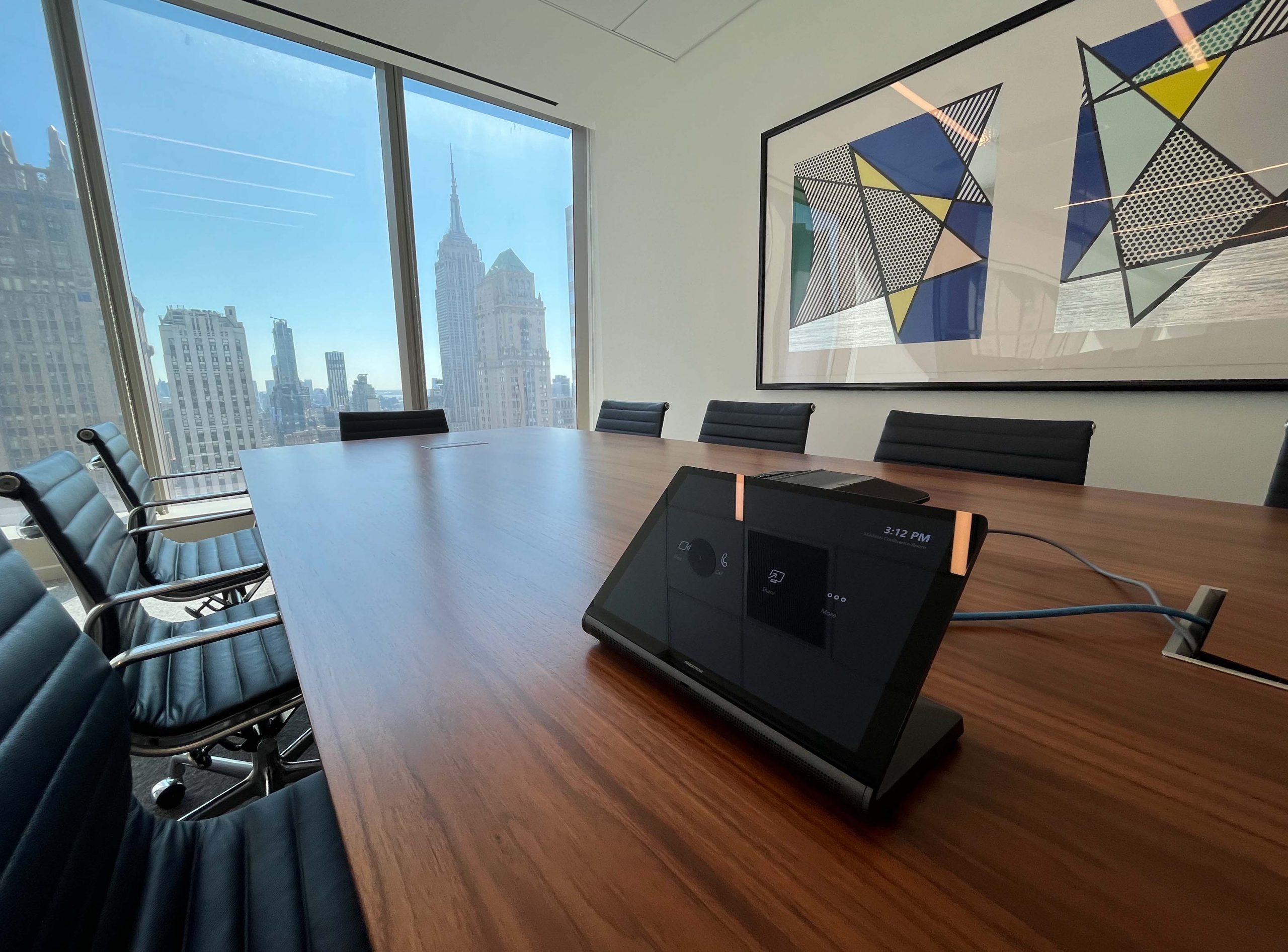 FIG. 05A — TOUCH PANEL
One button to start the meeting
A panel on the table runs the whole room: join, share, volume. We program it so the first button is the one people need.
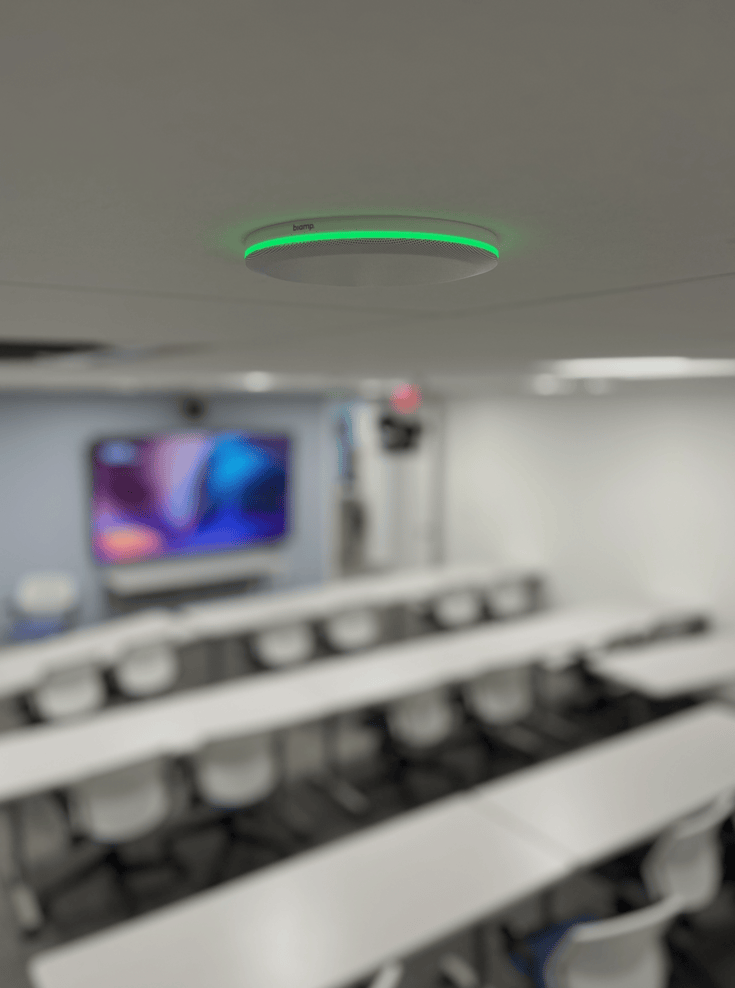
 FIG. 05B — CEILING MICS
Microphones you never see
Ceiling mic arrays pick up whoever is talking, so the table stays clear and nobody has to lean in to be heard.
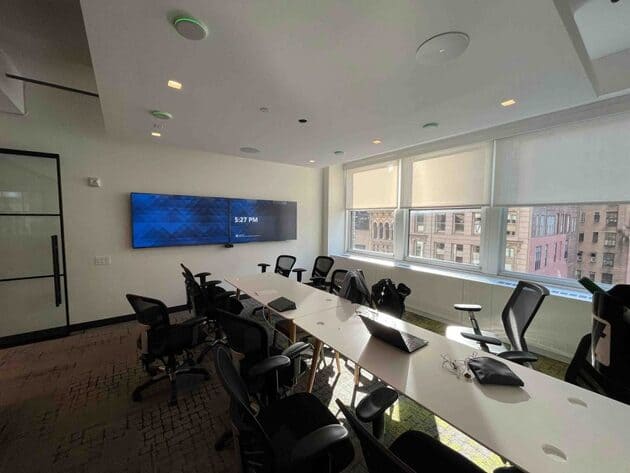 FIG. 05C — DUAL DISPLAYS
Faces on one screen, content on the other
In larger rooms, two displays keep remote people and the shared deck visible at the same time.
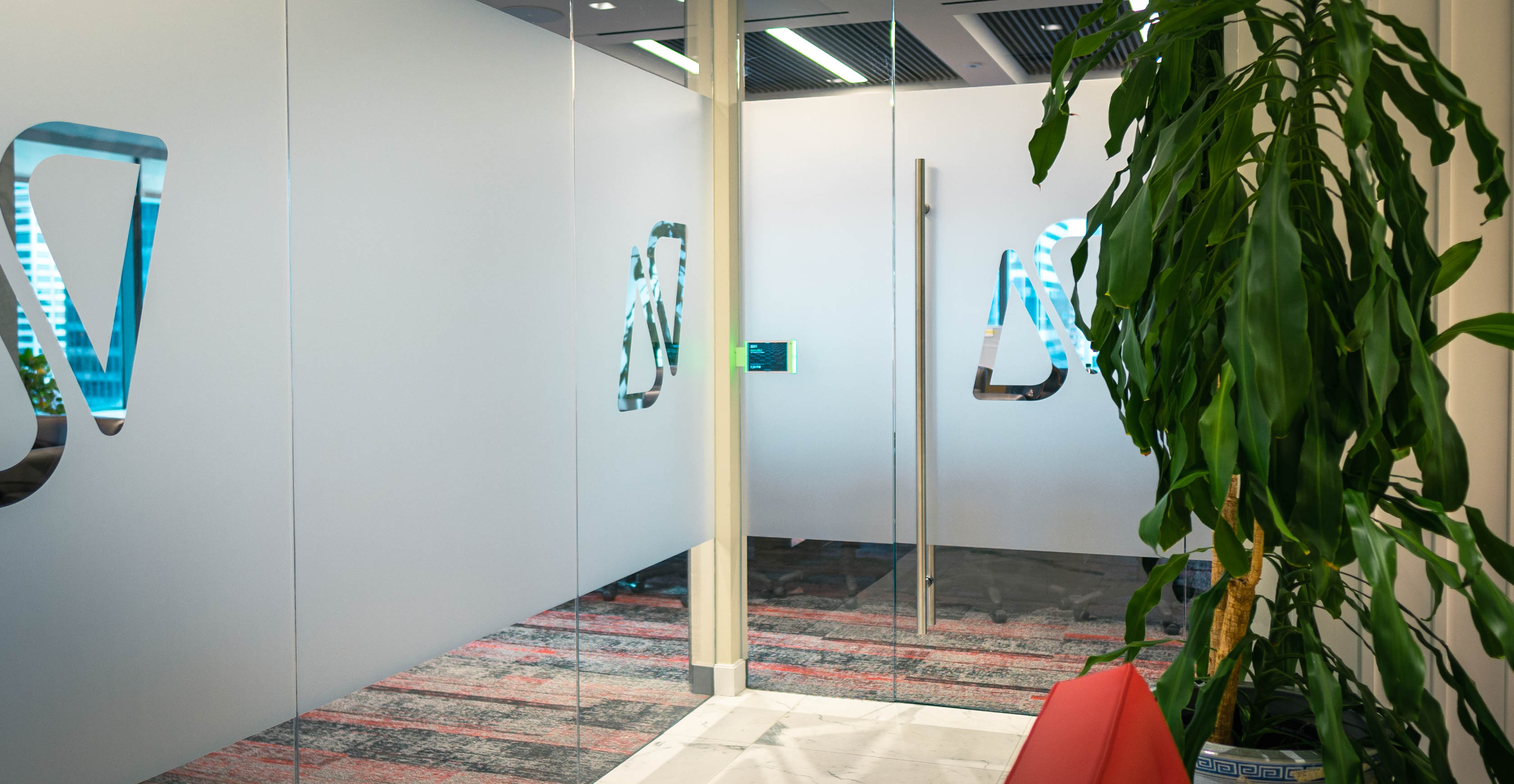 FIG. 05D — ROOM SCHEDULER
Know the room is free before you walk in
Door panels show the room's calendar and let people book or extend a meeting from the hallway.
 FIG. 05E — BEHIND THE DISPLAY
What's behind the screen matters
Equipment is mounted, dressed and labeled behind the display, so service is a quick visit, not a rewire.
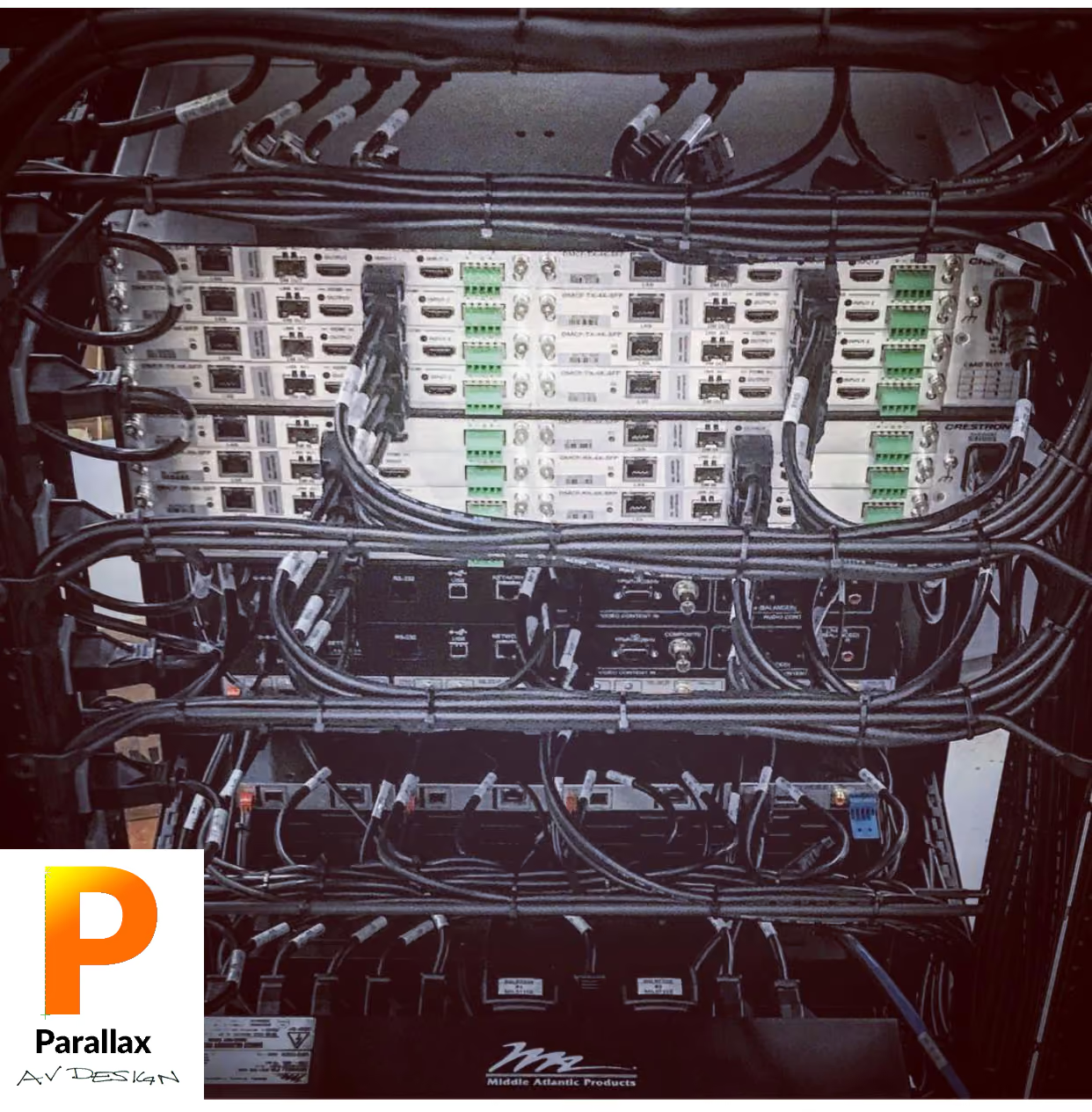 FIG. 05F — EQUIPMENT RACK
The room's control center
Processors, switching and power live in one rack, documented in drawings we hand over when the job is done.
In this video we demonstrate a one touch join meeting that powers on a custom divisible boardroom by pressing the Zoom Room start meeting button.
Do you have the wrong equipment for your room?
“Can you hear us?”
“How do I share my screen?”
“How do I start the call?”
Cameras moving too much
No design results in a sloppy install
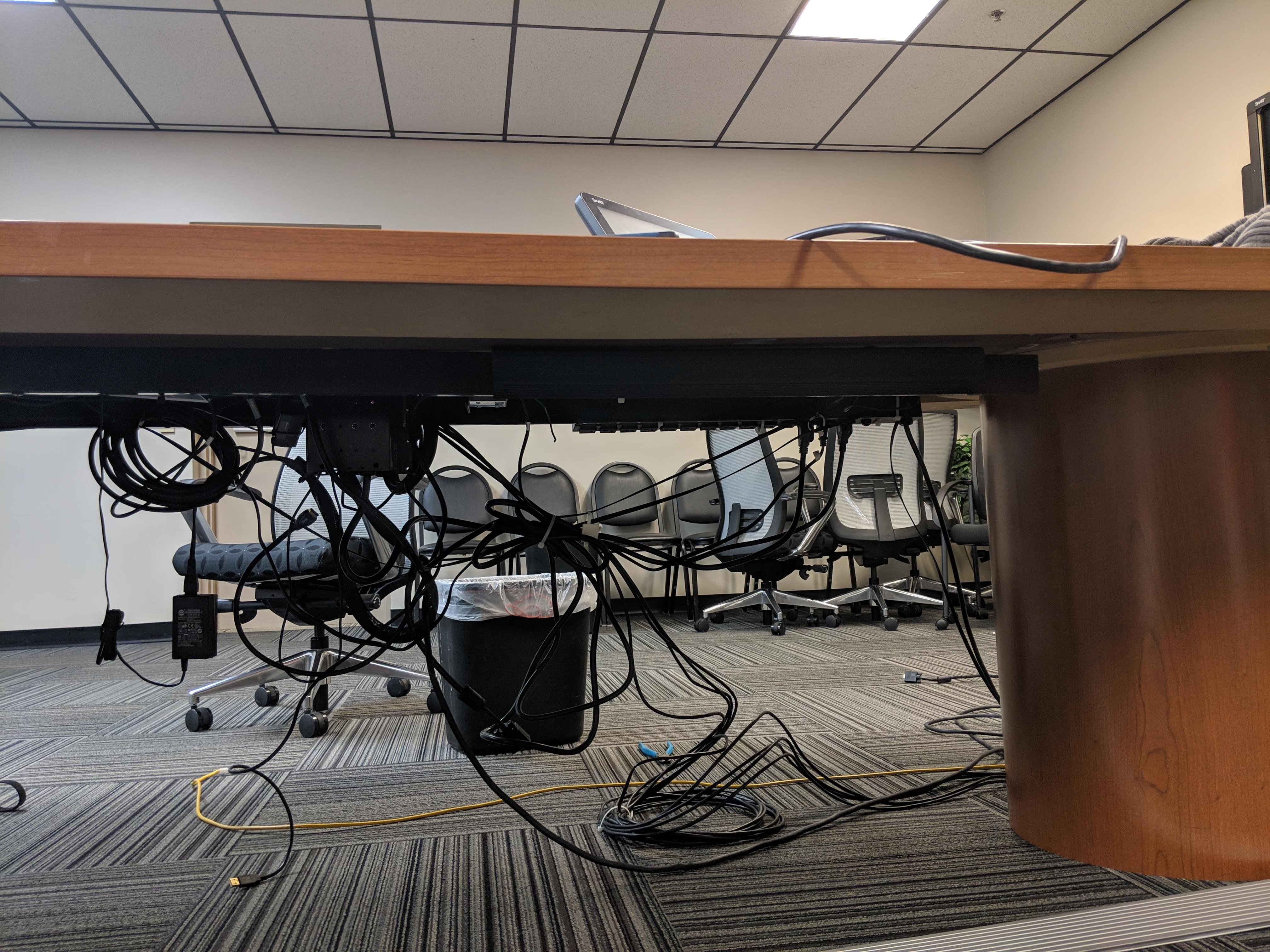
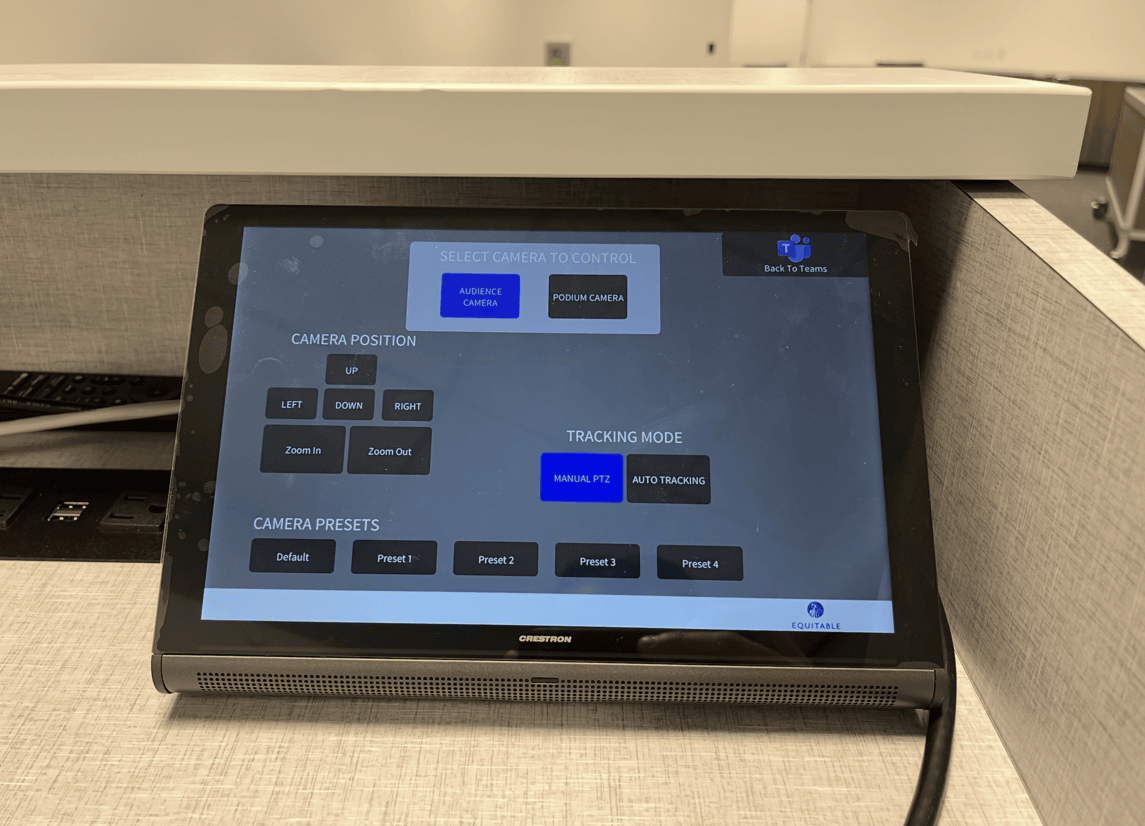
From a PC with a mouse, keyboard and webcam to one integrated audio system with touch panel to run the meeting.

| SPEC | BEFORE | AFTER |
|---|---|---|
| Starting a call | Laptop, dongle software, speakerphone, minutes | One tap on the table panel |
| Audio | Echo, dropouts, “can you hear me?” | Clear at every seat, both directions |
| Cabling | Across the floor and table | Racked, labeled, documented |
| Who can run it | The one person who knows | Anyone who walks in |
Schedule a room diagnosis
- ✓ Discuss your room audio video issues, or plan your next conference room rollout
Q1Do you work with Teams, Zoom or Google Meet?
Yes. We design around the platform your company already uses.
Q2Can you reuse our existing equipment?
Often. We look at what you have during the on-site evaluation before recommending anything new.
Q3How long does an install take?
It depends on room size and equipment lead times. You get a timeline along with your estimate.
Q4What does it cost?
It depends on the room. After the on-site evaluation you get a free, line-item estimate.
Q5Where do you work?
New York City and the surrounding metro area.
Pick a time that works.
20 minute zoom discovery call Tell us about your rooms and how your team meets.