AV Programming Services

Request a Quote

We typically provide fixed-cost pricing, estimated by project complexity and expected duration. We also offer hourly rates for smaller coding tasks.
Thank you! Your submission has been received! We will contact you within 1-24 hours.
Oops! Something went wrong while submitting the form.
What We Deliver
We design and program control systems that make technology invisible, reliable, and intuitive. Our programming ensures your spaces don’t just “work”—they work seamlessly, every time.

Programming Services
-
Crestron and Biamp programming
-Device configuration and testing
-Module design
-Remote and on-site services
-Control of third party hardware and software, including QSC and Extron systems.

Tech Stack
We speak the full Crestron programming language suite:
SIMPL, SIMPL+, and C#.

Certifications:
Crestron Certified Programmer
Crestron Master Technology Architect
Biamp Authorized Independant Programmer

Support and Monitoring
Technology isn’t static—neither is your business. That’s why we provide ongoing managed AV monitoring and support through Crestron XiO Cloud on every new system.

Markets We Serve
Our solutions are scalable across industries and environments, including:
Corporate offices
Medical simulation
Command and control rooms
Higher-Ed
Classrooms
Training Rooms
Theater and performance spaces

About Our Approach
We don’t just write code—we engineer experiences.
Every engagement is customized to your environment, your workflows, and your outcomes. Whether you’re a global enterprise or a specialized facility, our programming delivers precision, reliability, and ease of use for the end-user.
Case Study
CHSU 
INTRODUCTION
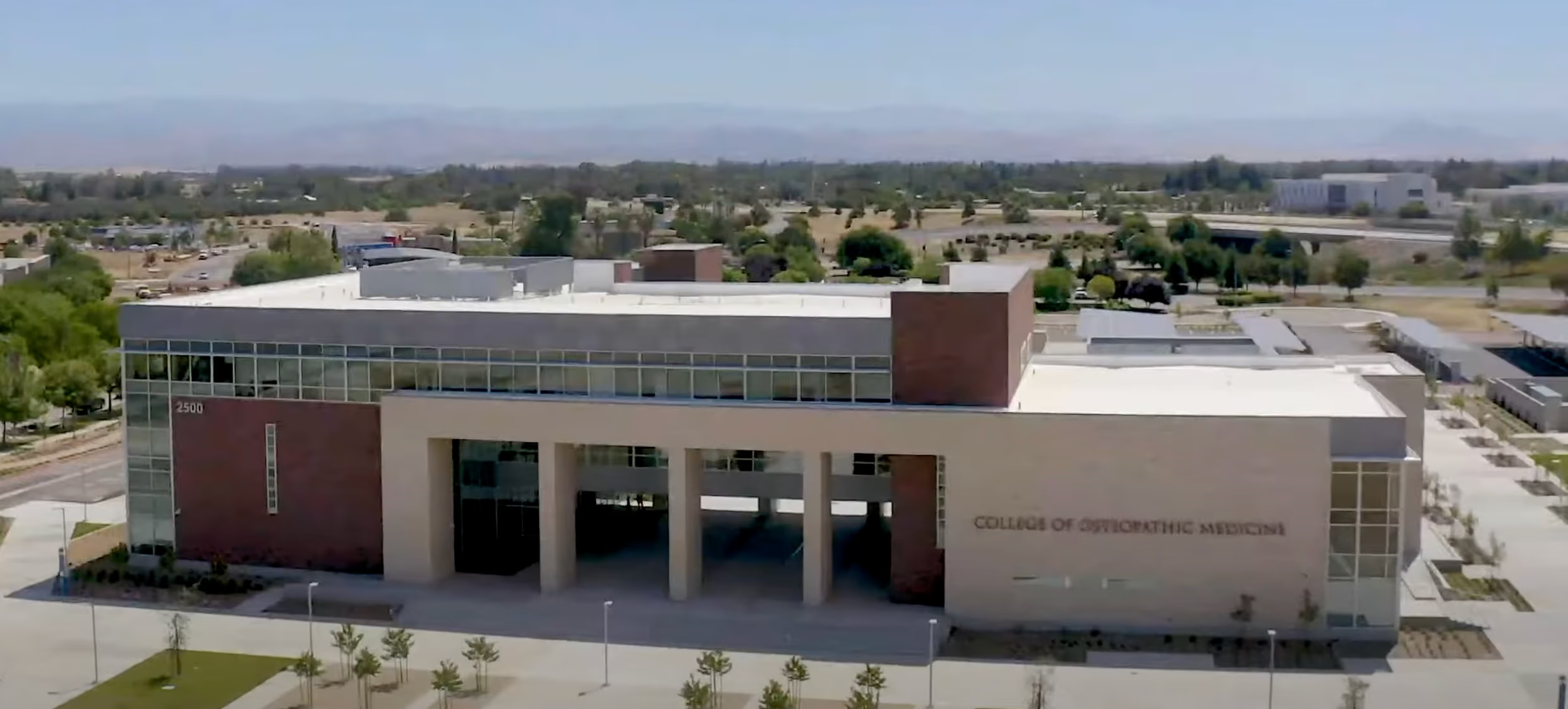
The California Health Sciences University (CHSU), a leading institution for osteopathic medicine, required a high-tech, fully integrated AV system for its newly constructed multi-campus building in Fresno, CA. The vision was to create a state-of-the-art learning environment where technology enhanced both training and administrative operations. Parallax AV was selected to implement Crestron programming for seamless control of audio, video, lighting, and shading across the university’s various training and presentation spaces.
“CHSU’s new campus is designed to support an interactive and dynamic learning environment. By integrating Crestron technology throughout, we’ve been able to provide seamless control over every aspect of our classrooms and presentation spaces, ensuring both faculty and students benefit from an intuitive, advanced setup.”
THE CHALLENGE
The California Health Sciences University (CHSU), a leading institution for osteopathic medicine, required a high-tech, fully integrated AV system for its newly constructed multi-campus building in Fresno, CA. The vision was to create a state-of-the-art learning environment where technology enhanced both training and administrative operations. Parallax AV was selected to implement Crestron programming for seamless control of audio, video, lighting, and shading across the university’s various training and presentation spaces.
THE TECHNOLOGY
As a facility built with a focus on innovation and scalability, CHSU approached their AV needs with the future in mind. From day one, the goal was clear: create an advanced, flexible environment that could expand alongside the university while offering seamless control over all AV systems. Every room required powerful, yet intuitive technology to support training sessions, presentations, and simulation exercises. For this project, Parallax AV relied on Crestron’s extensive range of solutions to deliver the scalability and remote management that CHSU required. The setup allowed users to control audio, video, lighting, and shades across the entire facility with just a few taps. By integrating remote monitoring and management, the university can now ensure that any future expansions or adjustments are handled with ease, reducing downtime and improving efficiency across campuses.
 
Custom Control and Scalability
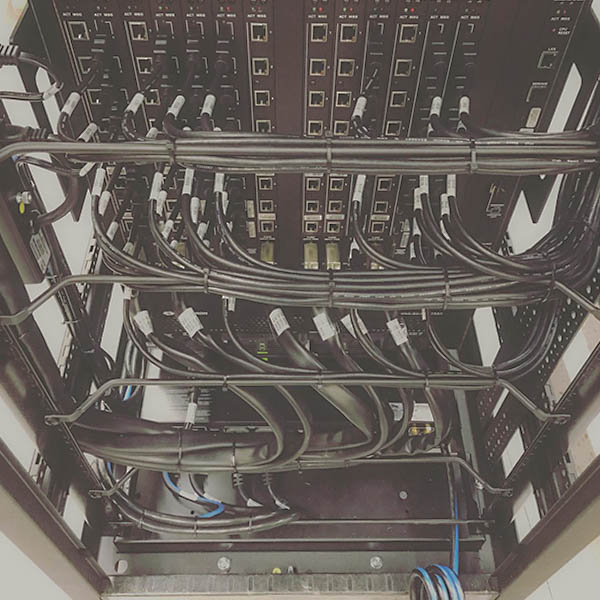
At the core of the system is the Crestron PRO3, a robust control system designed to handle the needs of a facility as dynamic as CHSU.The Crestron DM-MD32X32 DigitalMedia™ switcher provides the scalability for future AV expansion, allowing CHSU to add more devices and rooms without major system overhauls. With remote monitoring capabilities built into the system, the university can keep track of system performance, troubleshoot issues, and scale up as their needs grow—all from a centralized platform. 

Seamless Multi-Window Display Control
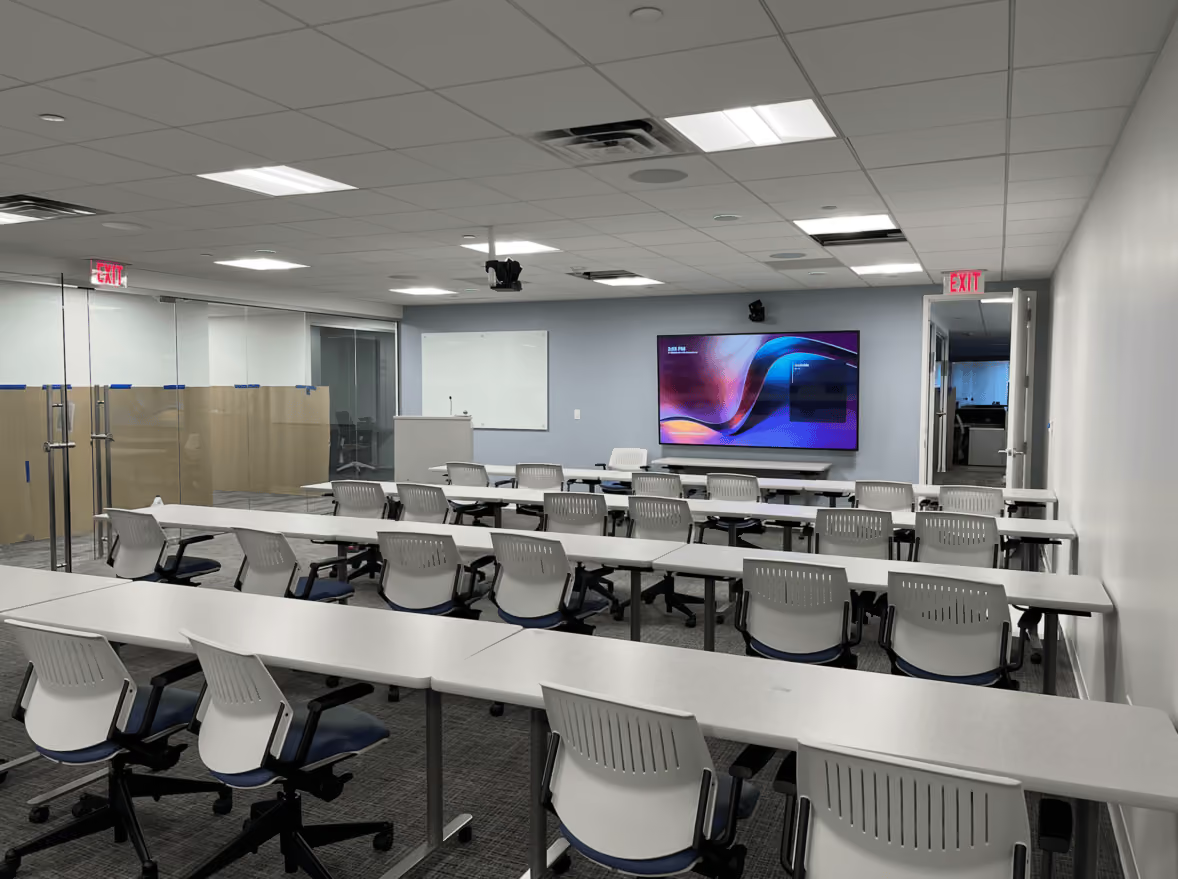
For spaces like the Training Room, we implemented the Crestron Multi-View HD-WP-4K-401-C to provide seamless control over multiple video sources. The multi-window configuration lets instructors select and display multiple feeds simultaneously, while controlling Shure wireless microphones, speakers, and lighting. This allowed the faculty to adapt the space to different teaching styles and configurations, offering both flexibility and ease of use. 

Automated Room Configurations
Custom control interfaces were a major priority for CHSU staff, who requested solutions that reduced complexity for day-to-day operations. To meet this need, we developed presets for lights, shades, and AV modes that automatically adjust depending on the instructor’s presentation style. Whether it’s a lecture or an interactive session, the room can be reconfigured with the push of a button, eliminating the need to manually adjust devices across the room or fumble with multiple remotes.

THE ROOMS
Divisible Multi-Purpose Room
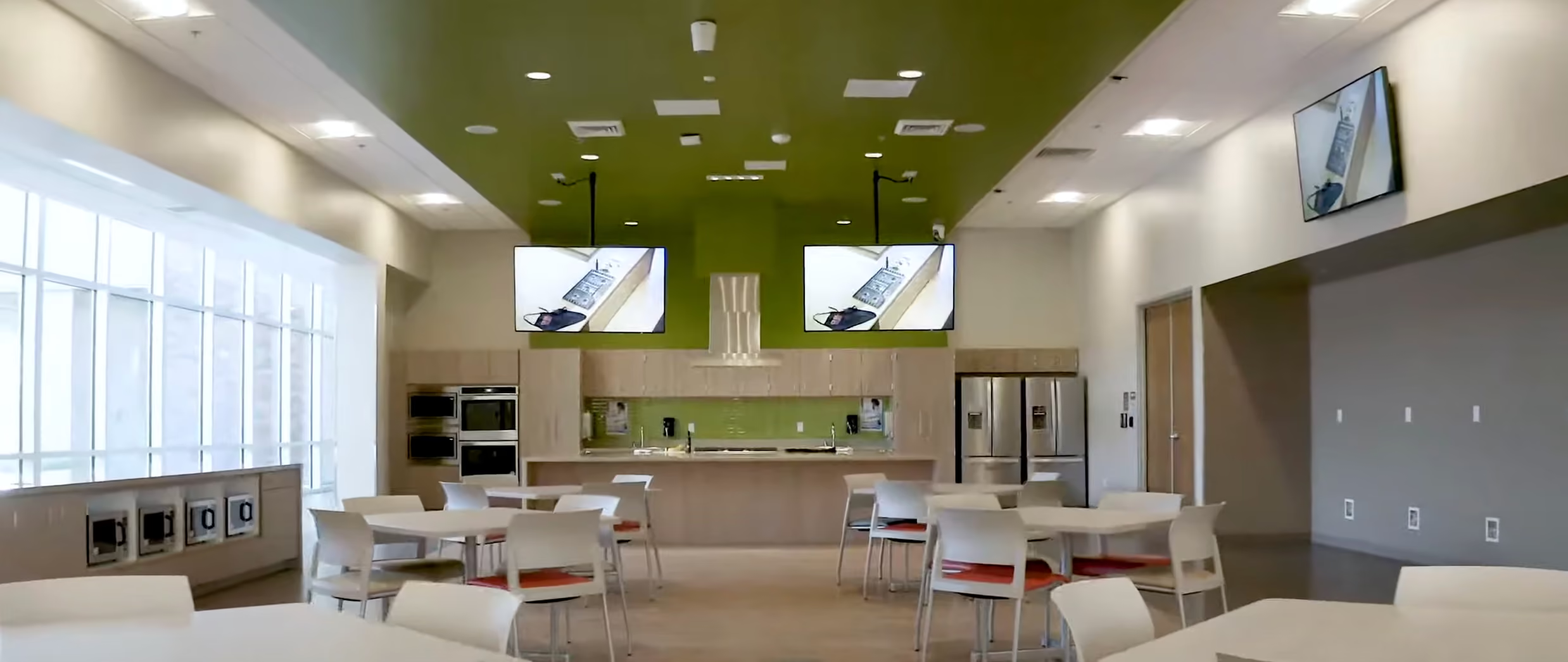
One of the most versatile spaces at CHSU is the Divisible Multi-Purpose Presentation Room, which can be split into three smaller rooms or used as one large lecture hall. With eight projectors and four displays, all controlled via Crestron touch panels, the room provides full AV control, including integrated lighting and shading. Each of the three podiums is equipped with a Room PC, gooseneck microphone, and laptop sharing capabilities, making it ideal for events, conferences, and lectures. 


Simulation Training Room
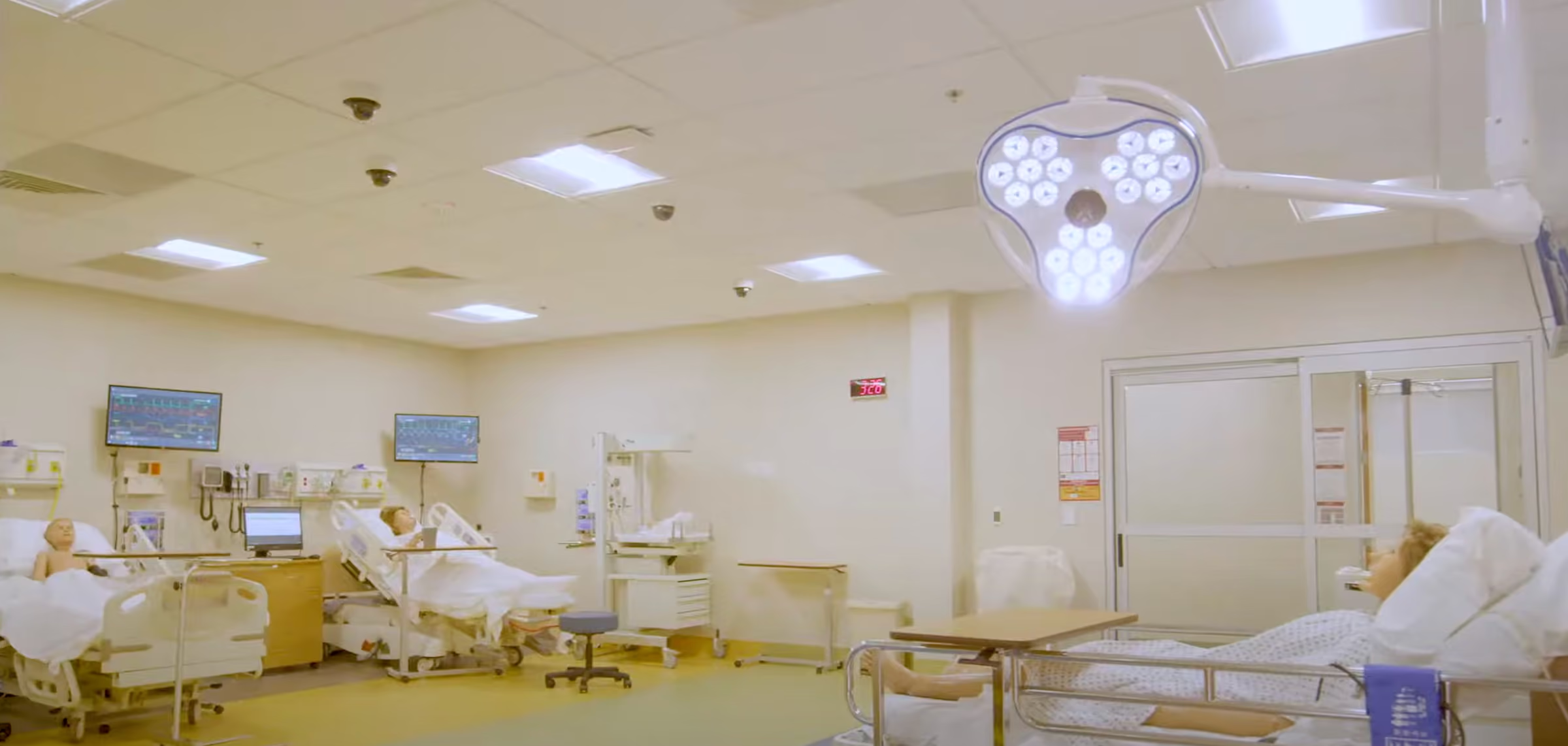
The Simulation Training Room takes the integration to the next level, combining Crestron’s control system with ceiling-mounted PTZ cameras and custom third-party software via an API. This integration enables instructors to record training sessions, monitor in-room discussions, and provide real-time feedback through wireless earpieces. The ability to control cameras and playback video from previous sessions helps streamline the learning process, while occupancy sensors track room usage in real-time. Parallax ensured a seamless integration between the room management software API and the hardware systems in each room.
Divisible Multi-Purpose Room
One of the most versatile spaces at CHSU is the Divisible Multi-Purpose Presentation Room, which can be split into three smaller rooms or used as one large lecture hall. With eight projectors and four displays, all controlled via Crestron touch panels, the room provides full AV control, including integrated lighting and shading. Each of the three podiums is equipped with a Room PC, gooseneck microphone, and laptop sharing capabilities, making it ideal for events, conferences, and lectures. 


THE RESULT
The custom AV solutions provided by Parallax AV have resulted in substantial time savings and increased efficiency across CHSU’s new facility. By automating functions like lighting, shading, and AV source selection, faculty no longer need to spend valuable time walking across large rooms or managing devices manually with multiple remotes. The system’s intuitive interfaces and preset modes have simplified room control, allowing staff to focus on their teaching and training responsibilities without worrying about technology. Moreover, with remote monitoring and management in place, CHSU is equipped to handle any future expansions seamlessly, ensuring that their AV infrastructure continues to grow alongside their needs. This flexibility has transformed CHSU into a model of how educational institutions can integrate advanced technology to enhance learning environments while remaining future-ready with Parallax AV.
Case Study
Divisible All Hands Zoom Room
INTRODUCTION
A consulting firm in Manhattan needed a divisible open-area meeting space that worked without manual intervention.
THE TECHNOLOGY

An open-area layout with a divisible Zoom Room — part all-hands presentation space, part split conferencing. Two 98" LG displays over the bench area, two ceiling-mounted 75" LG displays at the front of room, three Logitech Rally cameras, eight Biamp ceiling microphones, pendant speakers throughout, and a Shure wireless handheld system for presenters. Two Biamp TesiraFORTÉ X 1600 DSPs handle audio — one for the ceiling mics, one for the wireless handhelds. Video distribution runs on Biamp TesiraLUX encoders and decoders, switched directly from DSP logic.
THE CHALLENGE
The client didn't want a touch panel with twenty buttons. They wanted to walk into the room and use it.
We wrote the system around three automations that eliminate manual control entirely.
Partition-aware room splitting. A Crestron partition sensor detects the wall state and the system reconfigures automatically — audio zones, camera assignments, display routing, and microphone gating all switch without anyone pressing anything. Open the wall, it's one room. Close it, it's two. The DSP and video distribution follow the partition.
THE OUTCOME

Three automations eliminate manual control entirely. The Crestron partition sensor detects the wall state and reconfigures audio zones, camera assignments, display routing, and microphone gating automatically. An autotracking camera activates when a presenter stands at the podium for three seconds. The displays power on when a Zoom meeting starts using Zoom Room event hooks. No one presses a button. No one selects an input. No one reads an instruction card. The room conforms to how people use it, and the programming makes the technology invisible.

Partition-aware room splitting. A Crestron partition sensor detects the wall state and the system reconfigures automatically — audio zones, camera assignments, display routing, and microphone gating all switch without anyone pressing anything. Open the wall, it's one room. Close it, it's two. The DSP and video distribution follow the partition.

Zoom-triggered display power. The displays power on when a Zoom meeting starts, using Zoom Room event hooks. No one needs to find a remote, press a power button, or select an input. The meeting starts, the screens are on.

Presence-triggered camera tracking. We programmed the autotracking camera to activate when a presenter stands at the podium for three seconds. No button press, no "start presenting" workflow. Stand at the podium, the camera finds you.

Case Study
Sales Training Room
INTRODUCTION
A financial services firm in needed a live interactive sales training room to communicate with satellite office locations for nationwide training events.
THE TECHNOLOGY
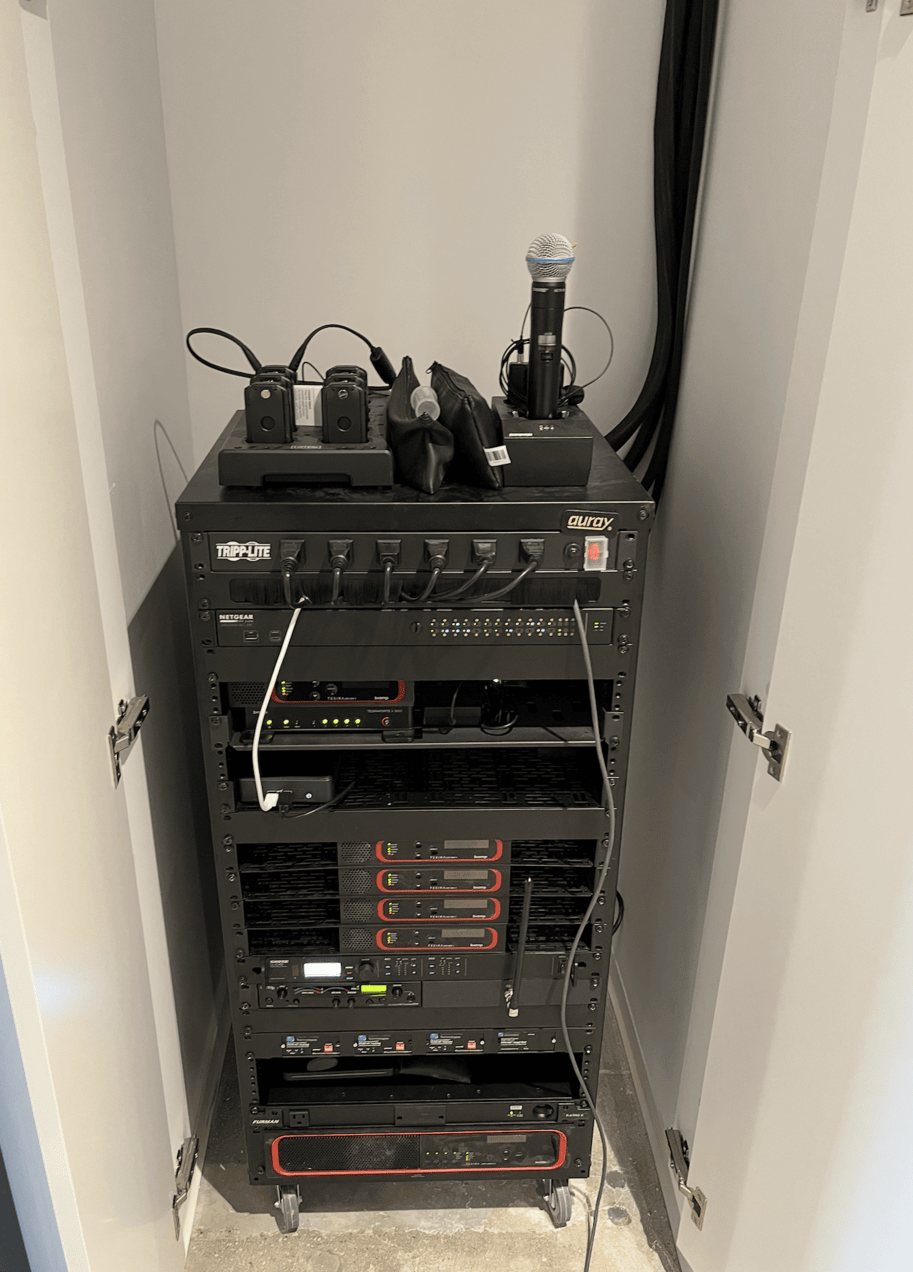
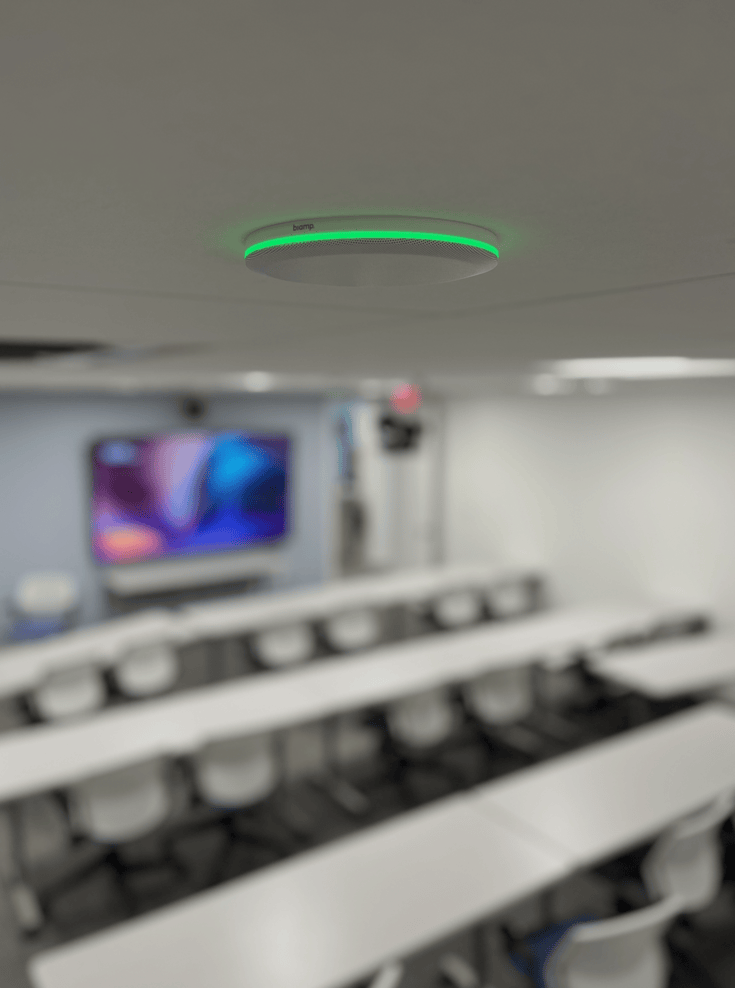
A Crestron Flex UC-C100-T runs the Microsoft Teams Room. A Biamp TesiraFORTÉ X 800 DSP handles all audio processing — AEC, mixing, and routing — fed by multiple Biamp Parlé TCM-X beamtracking ceiling microphones distributed across the room in pairs with TCM-XA amplified plenum boxes. Shure ULXD wireless handhelds on a dual-channel receiver give presenters and audience members untethered voice reinforcement and far-end conferencing audio. Two AVer CAM520PRO2 PTZ cameras cover both angles — one wall-mounted facing the audience, one ceiling-mounted on a Chief pole system facing the podium. Crestron HD-TX/RX-4KZ signal extenders distribute 4K video to the display, and a Crestron HD-CONV-USB-300 handles BYOD laptop sharing. A Crestron VC-4 virtual control server ties the system logic together from the rack.
THE CHALLENGE
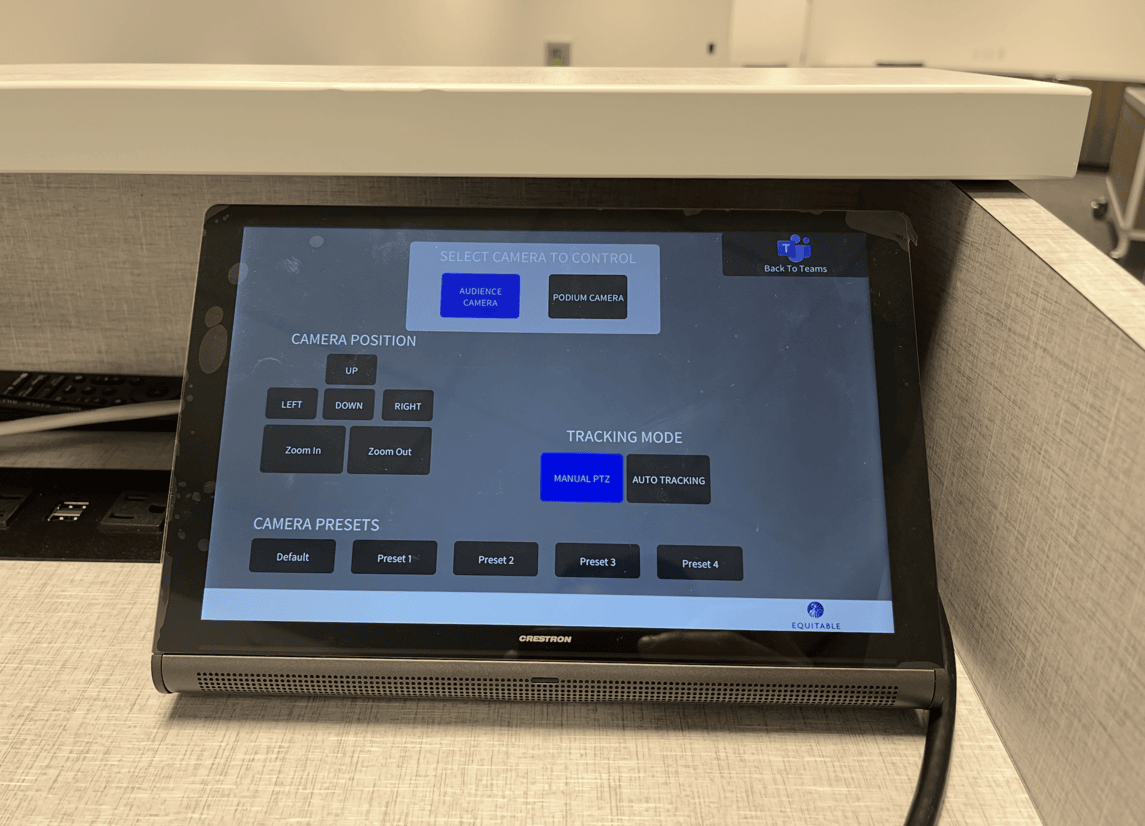
The room serves two very different use cases. In training mode, a presenter works from the podium with wireless handhelds, the ceiling camera tracks the podium, and the audience camera captures the room for remote participants on Teams. In conferencing mode, the beamtracking ceiling mics pick up open discussion from seated participants across the full room. The programming has to manage the transition between these modes — switching active camera feeds, adjusting mic mixing and AEC references, and routing the correct audio sources to far-end participants — without the presenter needing to understand any of it.
THE OUTCOME

The presenter picks up a wireless handheld and starts talking. The system routes their audio to the ceiling speakers for voice reinforcement and to the far-end Teams call simultaneously. Remote offices see the podium camera by default and can be switched to the audience view. When the session shifts to open Q&A, the ceiling mics pick up the room. The training team runs nationwide sessions from this room without an AV technician present.

Mode-aware camera switching.
The system runs two PTZ cameras — one on the audience, one on the podium. When the presenter picks up a wireless handheld, the podium camera feeds to the far-end Teams call automatically. When the handhelds go back on the charger and the ceiling mics become the active audio source, the system switches to the audience camera. No one selects a camera input.

Wireless mic–triggered voice reinforcement.
The Shure ULXD handhelds don't just feed the far-end call — they route to the Biamp ceiling speakers for live room reinforcement at the same time. The DSP manages gain structure and AEC references differently depending on whether the handhelds or the beamtracking ceiling mics are active, so the far-end audio stays clean in either mode.

Ceiling mic zone gating.
Eight Biamp Parlé beamtracking ceiling microphones cover the full room in paired zones. The TesiraFORTÉ gates mic zones based on detected audio activity so only the active area of the room feeds the far-end call — no open mics picking up HVAC noise or paper shuffling from empty seats.

One-touch session start. The Crestron VC-4 virtual control server monitors the Teams Room state. When a scheduled training session starts, the 98-inch display powers on, the correct camera defaults load, and the wireless mic channels open. The presenter walks to the podium and starts talking. There is no startup sequence.